Choose the source.
Decide where each piece of information belongs, which system owns it, and who can change it.
Connected systems
Help information move between the tools you use, with clear rules about what updates and where.
Talk through your processIllustrative workflow. Connections depend on supported APIs, account plans, and permissions.
WHO IT HELPS
For teams moving the same customer, order, or job details between software and spreadsheets.
HOW WE APPROACH IT
We check how your tools connect before recommending changes. A built-in integration may solve the problem; a custom connection can fill a specific gap.
Decide where each piece of information belongs, which system owns it, and who can change it.
Map the fields and rules. Start with one direction and one workflow where possible, then test updates and duplicates.
Agree retry rules, alerts, and a manual fallback. Your team should know when information needs attention.
THE RIGHT FIT
A native integration is often the best first option. Custom work helps when field mapping, permissions, or the sequence of work needs more control.
SCOPE & COST
The systems involved, available APIs, data cleanup, and error handling shape the price. We agree access, provider fees, and maintenance before connecting anything.
Separately scoped from the C$89 website plan.
RELATED WORK
See how a booking product brings a customer task and a team task together. External integrations are scoped separately.
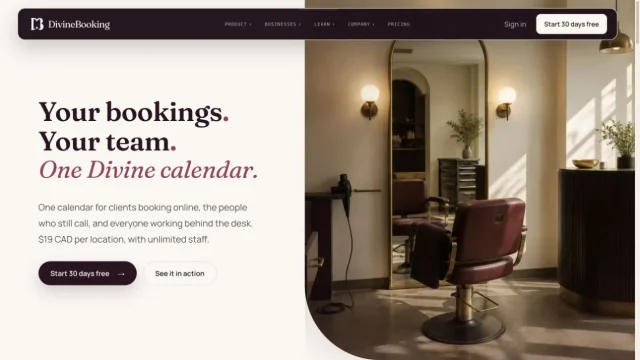 Software product + marketing siteDivineBookingInside the project
 A FEW USEFUL ANSWERS
Not always. It depends on their supported APIs, export options, account plans, and data rules. We check those limits before agreeing the project.
No. We can begin with one record type or one handoff, test it with your team, and expand only when that first connection is useful.
We agree how errors are detected, who receives an alert, and how to complete the task manually. Ongoing monitoring and maintenance are defined in the support plan.
LET’S GET STARTED
Tell us about your business. We’ll take it from there.
Let’s talk